Your contacts app,
rebuilt around memory.
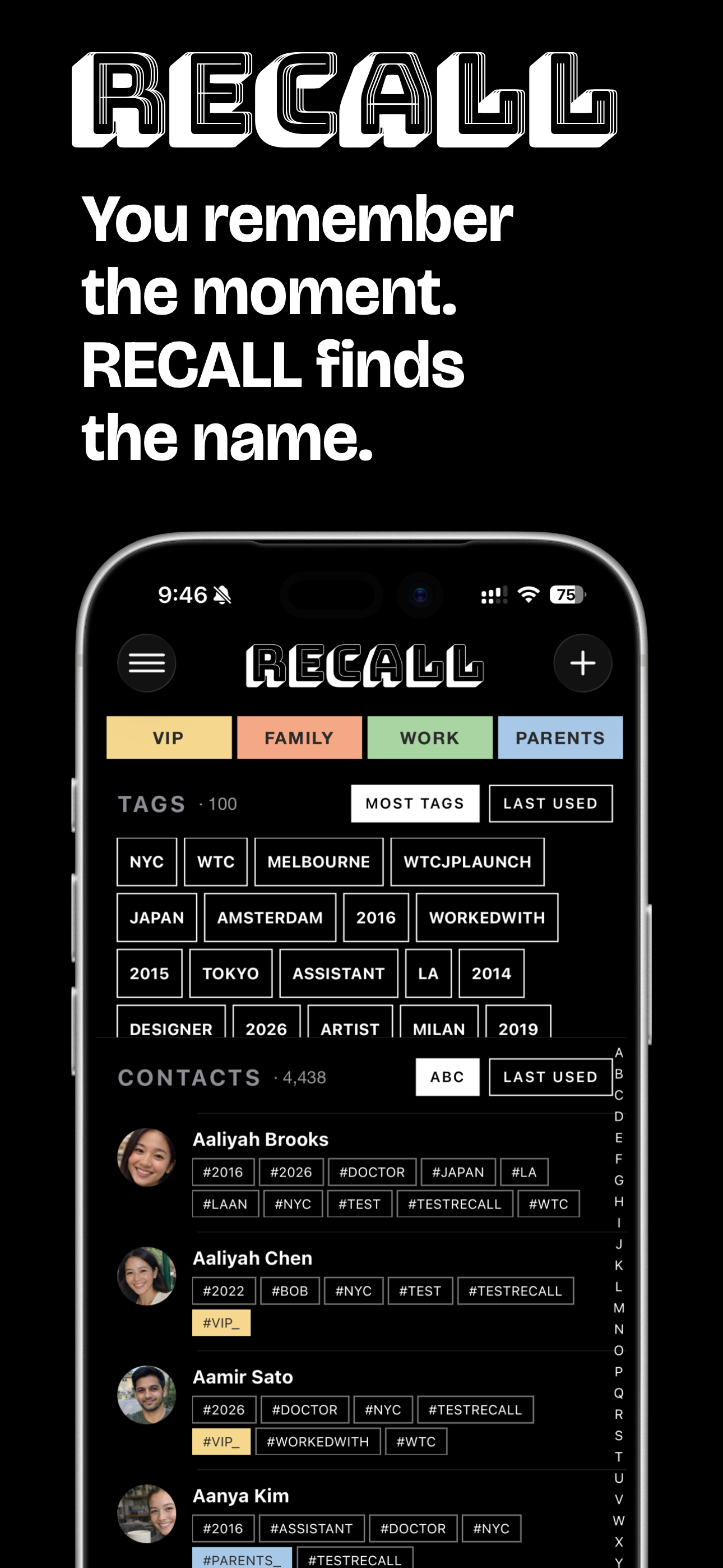
Recall Contacts is an iPhone app that lets you find anyone in your contacts by what you remember — not how their name is spelled.
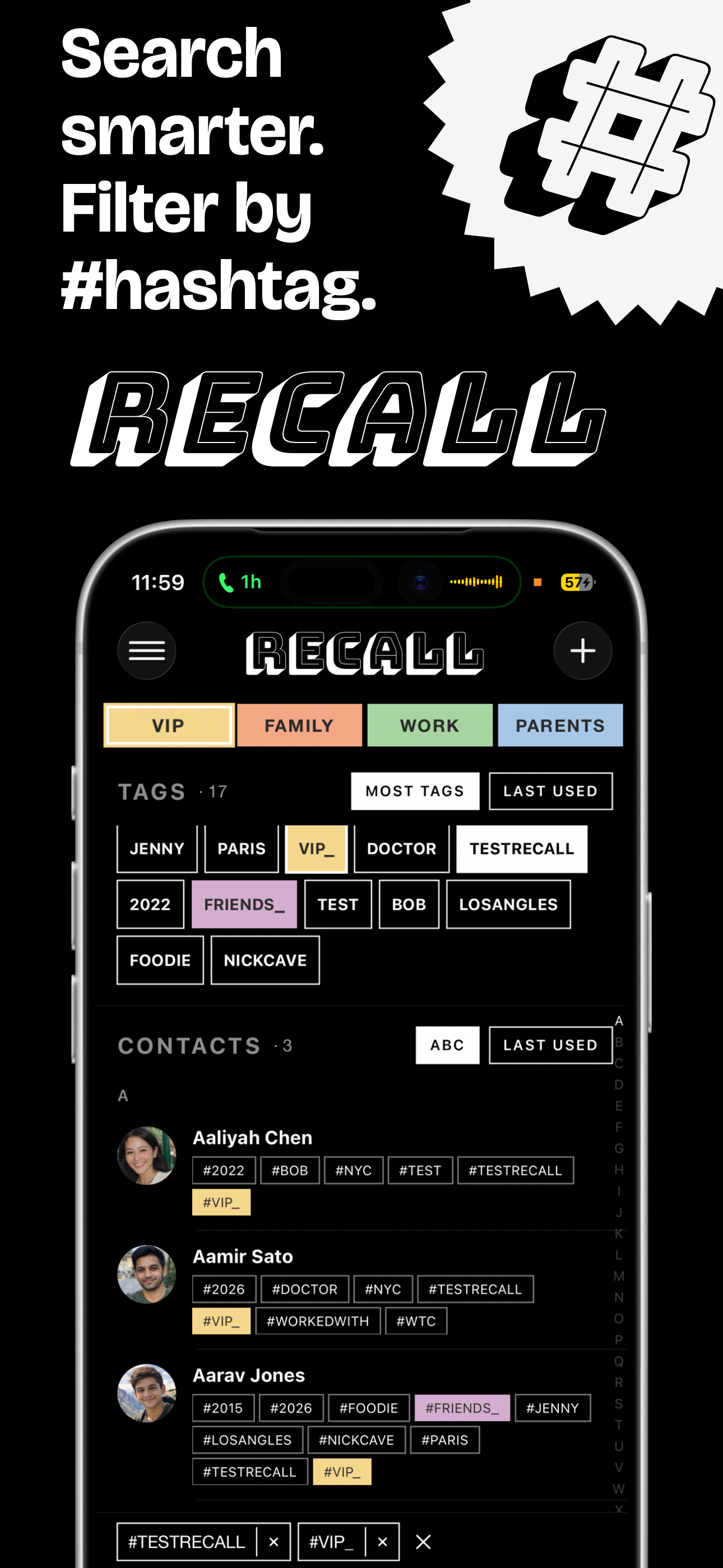
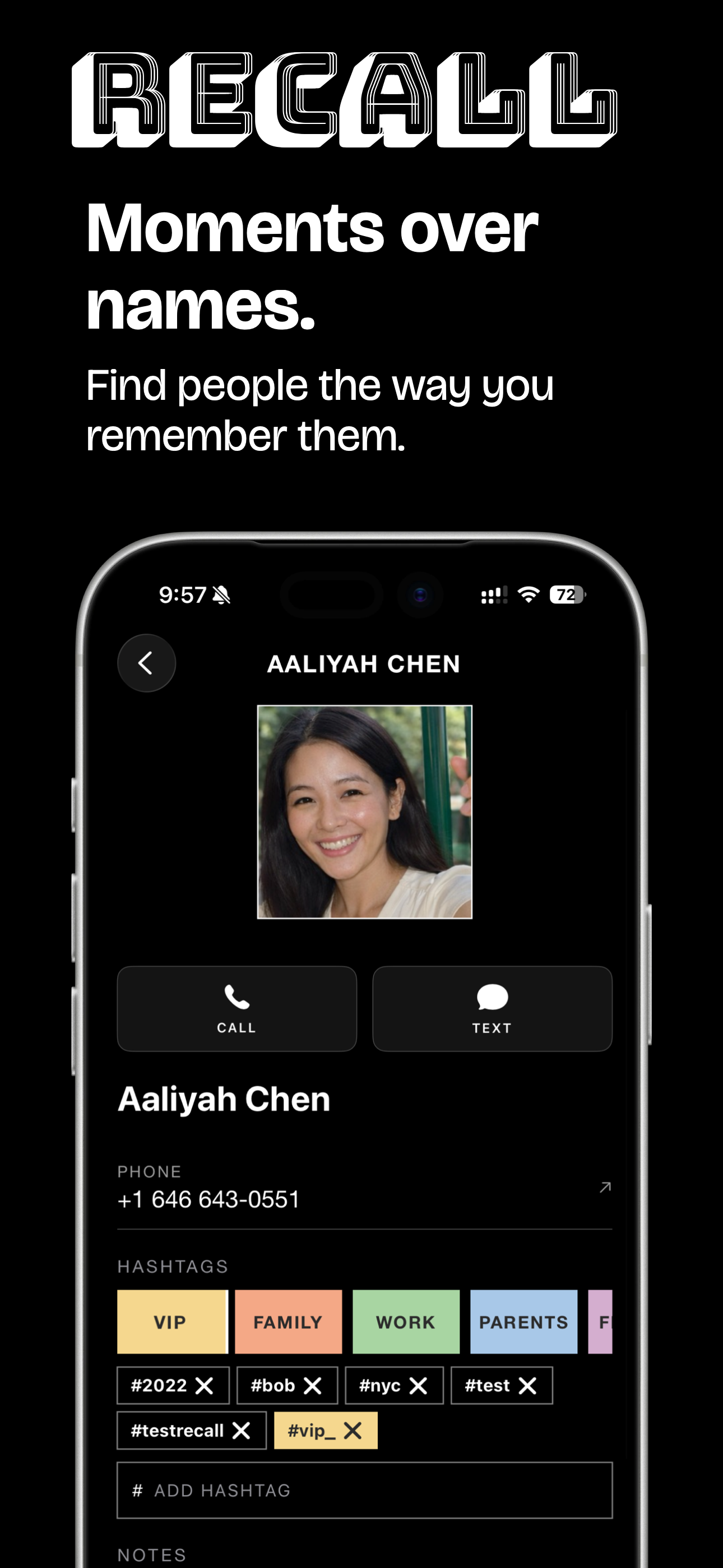
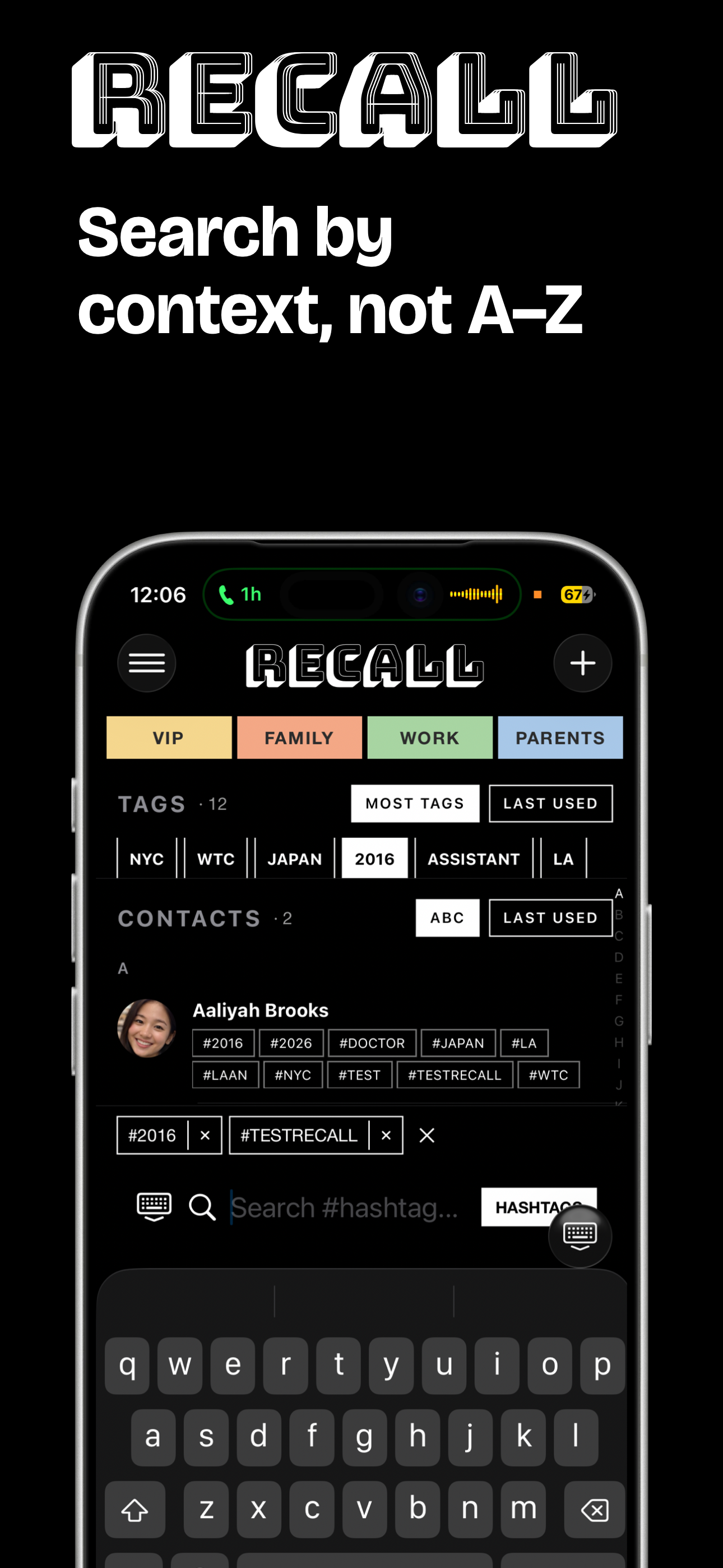
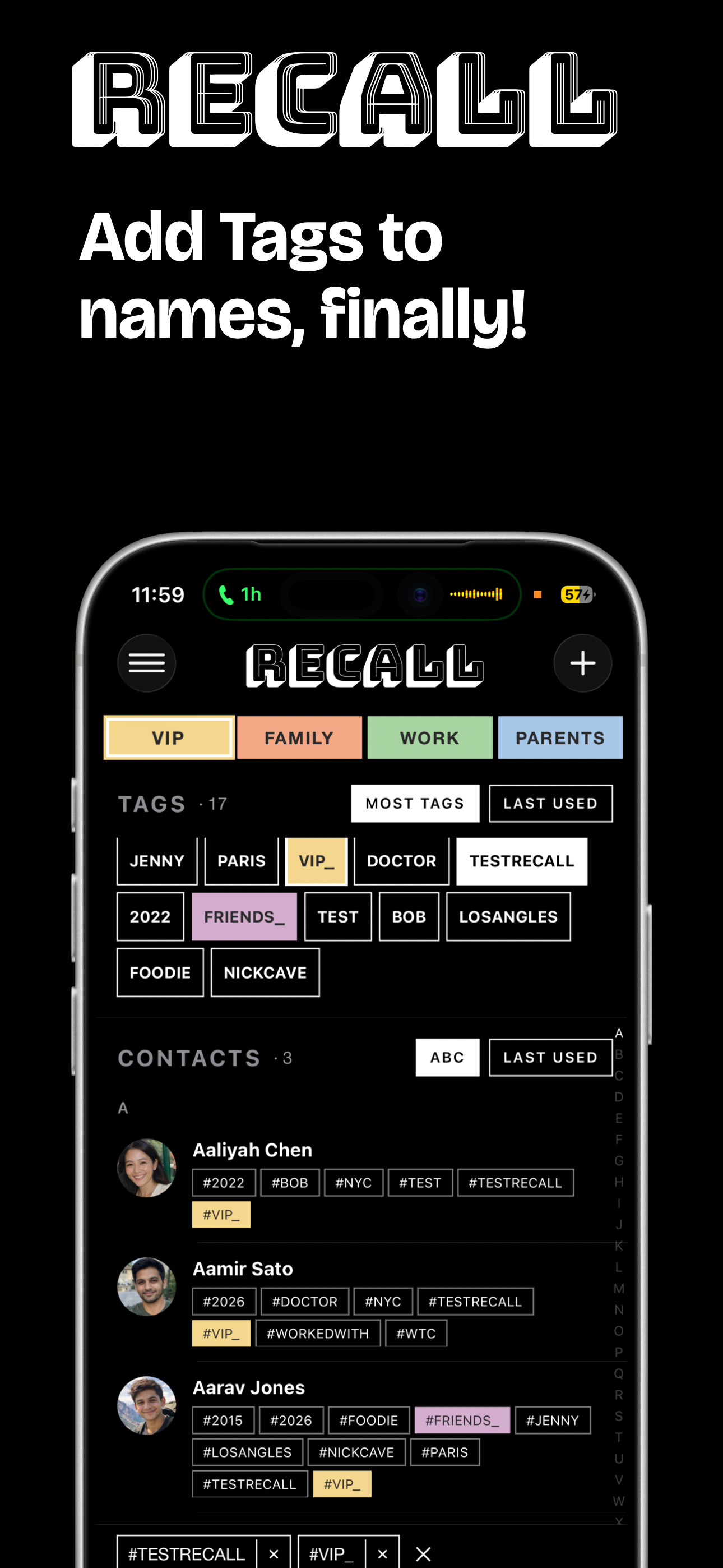
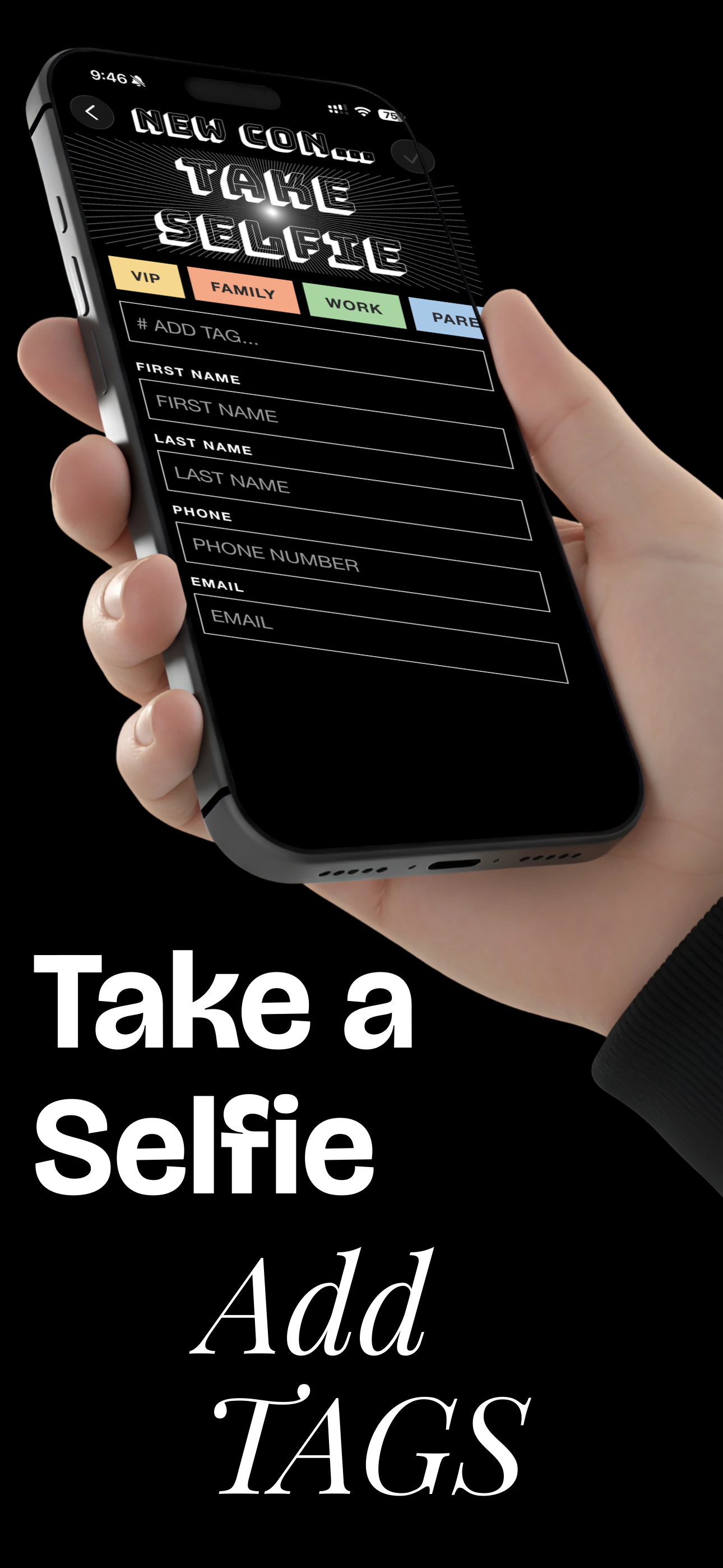
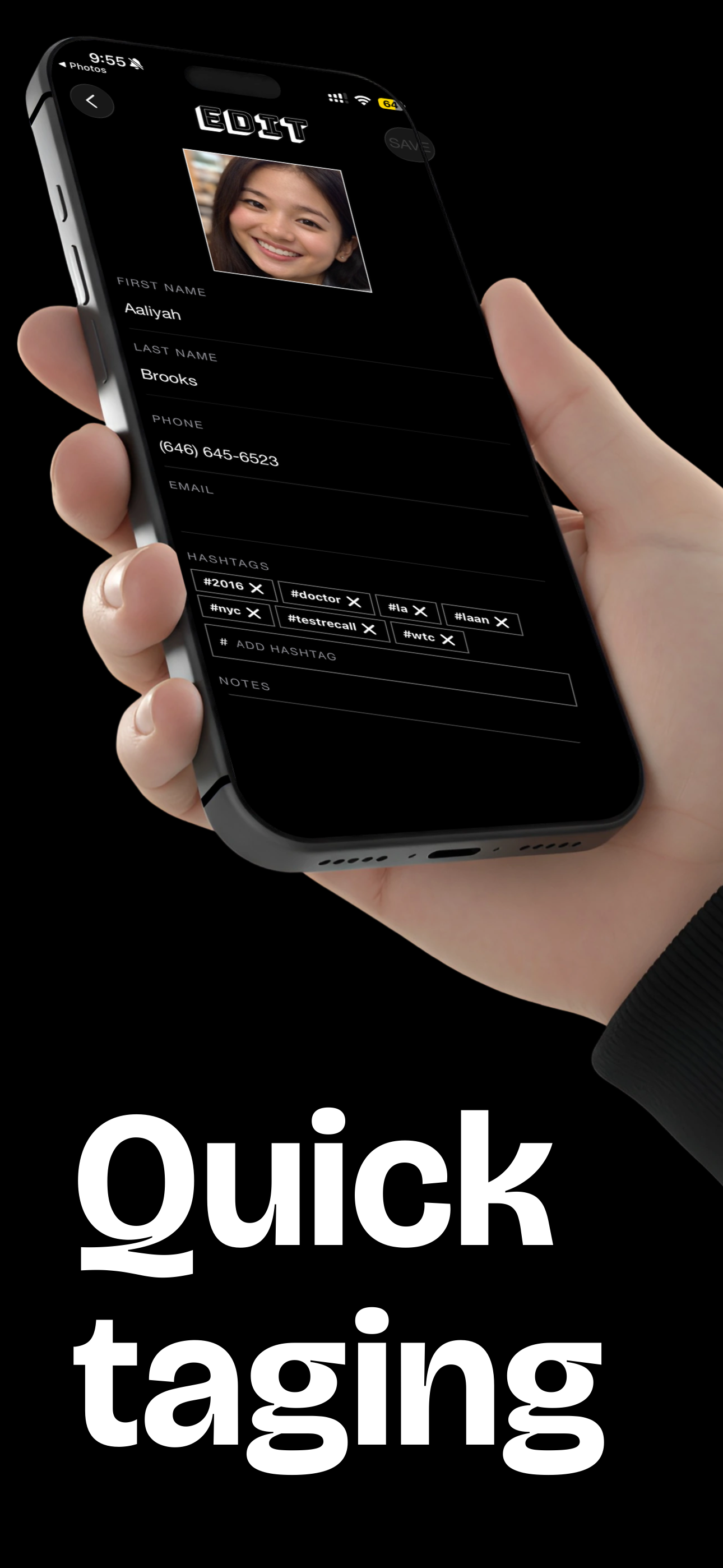
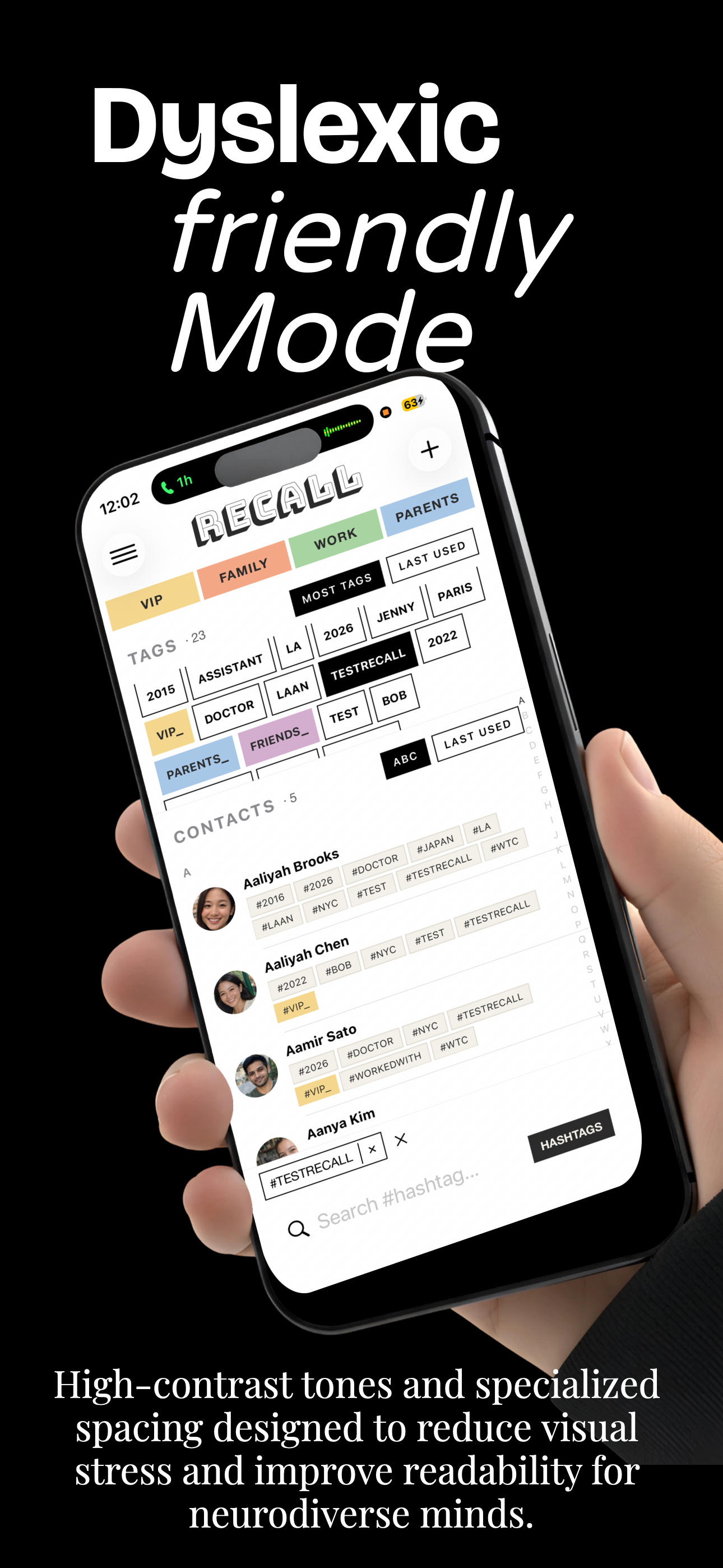
Tag people by context. #NYC #Eastwood #crazyhat. Search by hashtag and find them instantly. No spelling required.
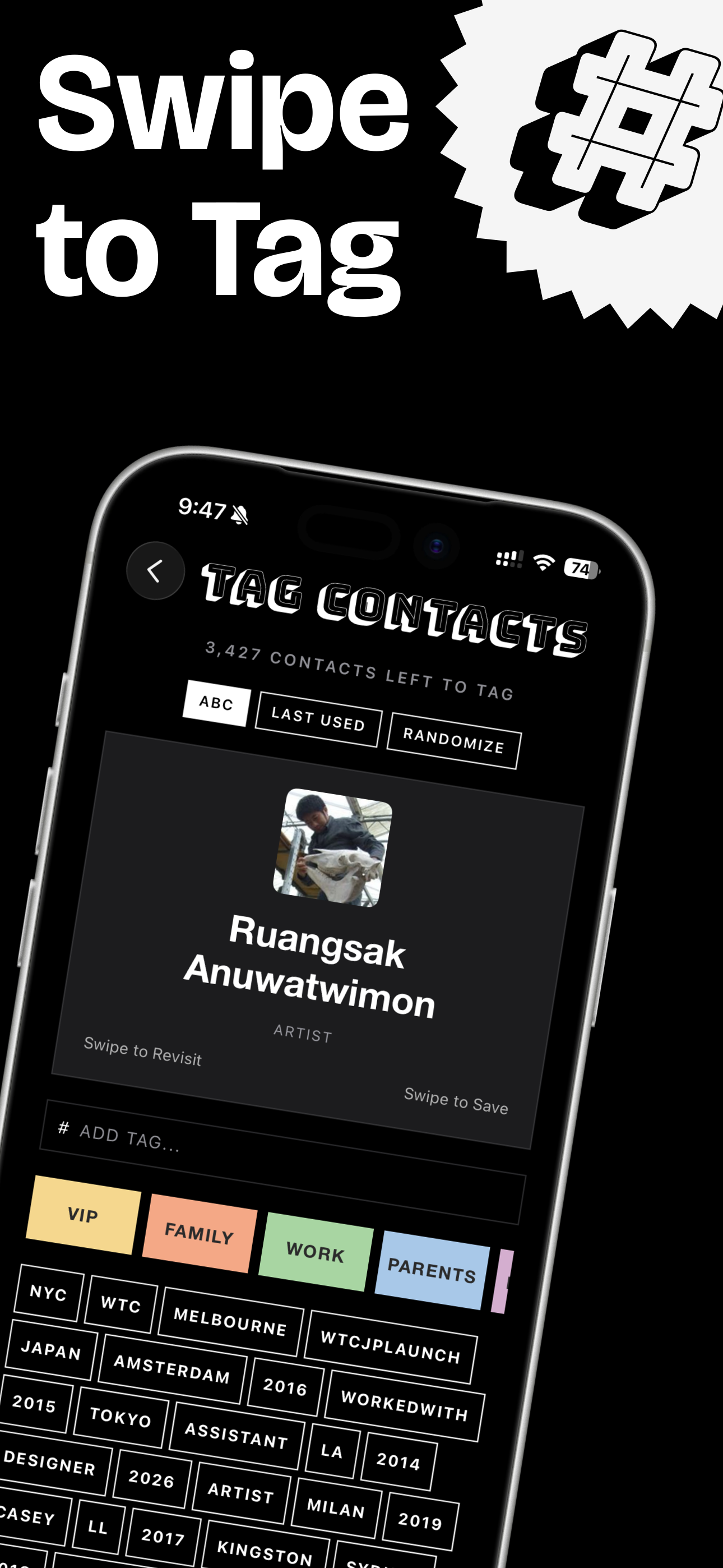
Smart colour-coded groups. Swipe-to-tag for rapid organising. A dyslexic-friendly mode. Your tags sync back to Apple Contacts — your data stays yours.
Everything Recall does.
- Does Recall replace my iPhone contacts app?
- No. Recall layers on top of Apple Contacts. Your Phone app stays as is. Recall is for finding and organising.
- Do my tags sync across devices?
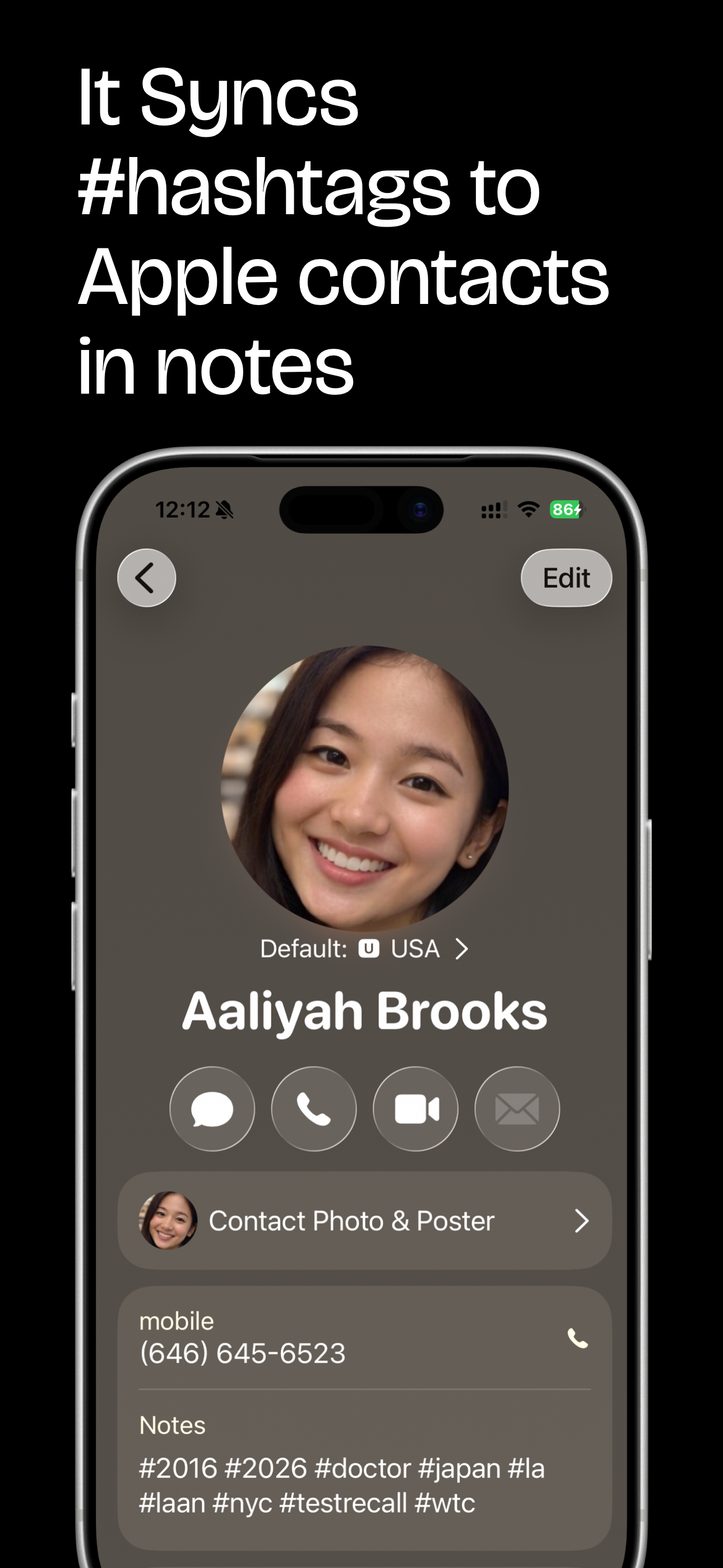
- Tags are stored locally, but Recall writes them back to the Apple Contacts notes field — so they sync via iCloud Contacts if enabled.
- What happens if I delete Recall?
- Your hashtags stay in Apple Contacts. Your data doesn't disappear.
- How much does Recall cost?
- $2.00 — one-time purchase. No subscription. No account required.
- Is my contacts data private?
- Completely. Nothing leaves your device. Recall never connects to any external server.
- Is there an Android version?
- Currently iOS only. iPhone and iPad are supported. Mac Catalyst brings it to Mac.
See it in action.
How Recall Works
A real look at how Recall fits into daily life, how I use it, and why it actually works.

From the creator.
Apple Contacts, Google Contacts, Cloze, Salesforce, Dex, and Recall — compared honestly. For freelancers, parents, dog owners, and anyone who forgets names but not faces.
You're at pickup. A parent waves at you. You wave back. You have absolutely no idea what their name is. There's actually a word for that.
Dyslexic people don't find ways around their obstacles. They build entirely new roads — and those roads often lead somewhere the rest of the world hasn't been yet.
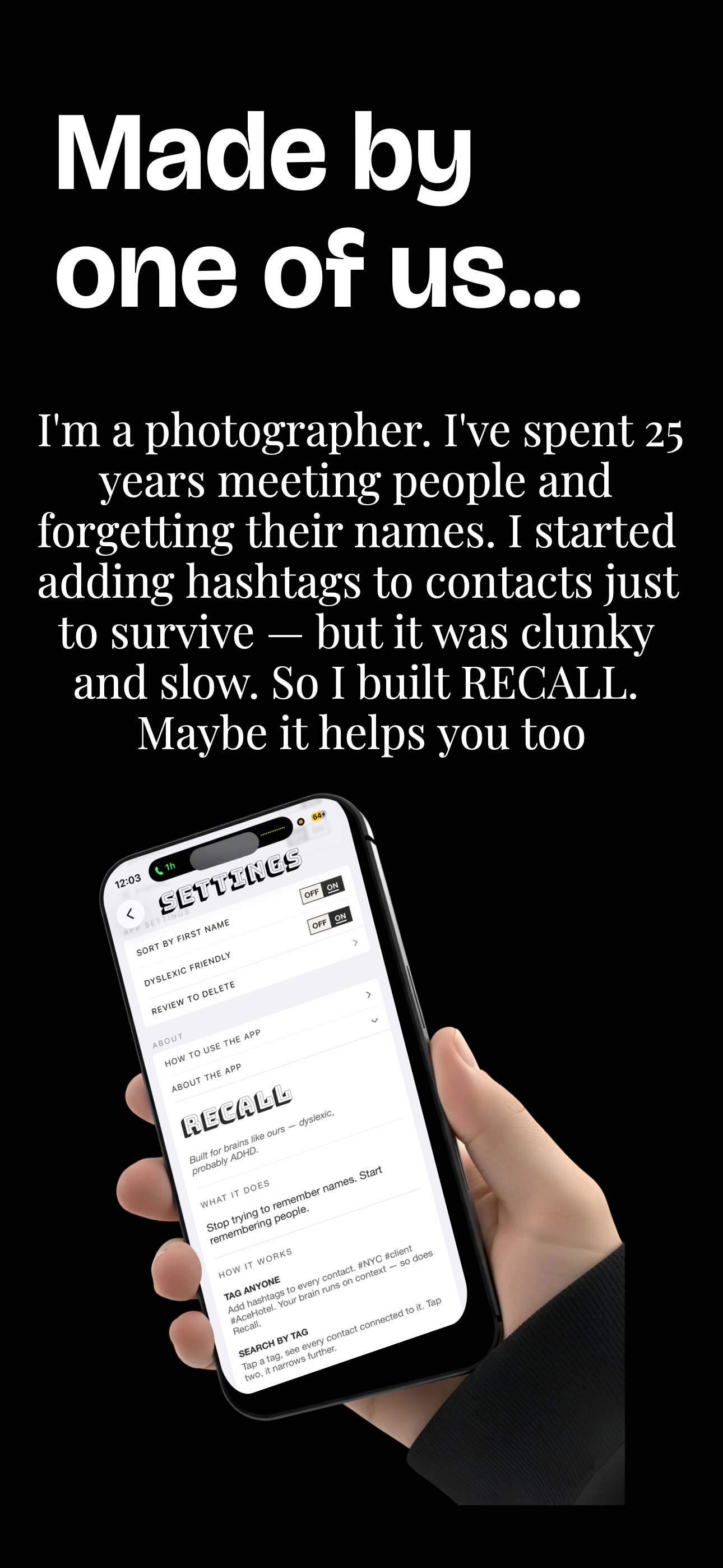
I'm dyslexic. Names don't stick the way faces do. For most of my career as a photographer I quietly struggled — not because I forgot people, but because I couldn't spell them.
Keep in the loop
New features, tips, and occasional notes from Paul.
"I built this because I needed it. I remembered the face, the story, the city. The name was the only thing stopping me. My problem. Maybe yours too."
— Paul Barbera